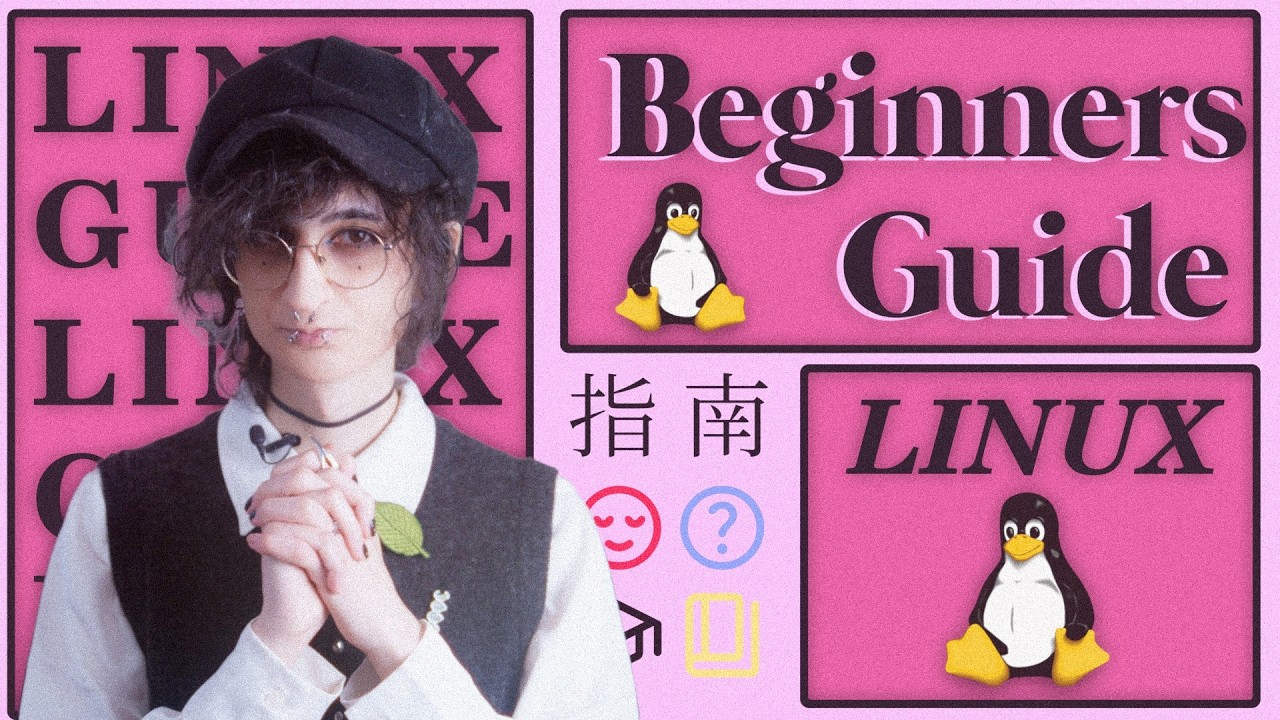
As we see more people in the Vancouver area looking for alternatives to Windows and macOS, I wanted to share a fantastic resource I recently came across. Whether you’re a complete novice or just Linux-curious, this video by diinki titled “The Perfect Linux Beginners Guide” is one of the most aesthetically pleasing and easy-to-follow introductions I’ve seen.
Instead of jumping straight into complex command lines, it breaks down the transition into manageable steps. Here’s a quick overview of what it covers:
Understanding the Basics [01:11]: A great explanation of partitions and file systems (like why we prefer ext4 over NTFS).
Choosing a “Distro” [03:27]: It explains the difference between beginner-friendly distros (like Zorin OS or Linux Mint) and hardcore ones (like Arch or NixOS).
Step-by-Step Installation [06:12]: A visual walkthrough of how to flash an ISO and handle the installation process using Zorin OS as an example.
The Linux File System & Permissions [10:32]: Learn about the “Home” directory and how sudo (SuperUser) works compared to Windows Administrator mode.
Friendly Intro to the Terminal [17:36]: The video proves the terminal isn’t scary! It covers basic commands like ls, cd, mkdir, and rm [18:44].
Software Management [24:05]: An intro to Package Managers (specifically apt) and why they are safer and more efficient than downloading .exe files from random websites.
Discussion for the Community:
For the long-time VanLUG members, what was the one thing you wish you knew when you first swapped to Linux? And for the newcomers, which distro are you thinking of trying first?
I hope this helps anyone in our community who is looking to make the switch. Feel free to ask questions below—there are plenty of knowledgeable folks here happy to help!
I haven’t watched the video, and I appreciate any effort to make Linux more accessible, but:
That’s absolutely not where I’d start a beginner-friendly guide! If the audience is a Windows or macOS user wondering whether Linux might be good for them, you’re losing them for sure. The only people you’re not losing are the ones that are curious to learn how a computer works.
My beginner-friendly guide would start by saying “hey you can download Linux onto a flash drive and test-drive it without messing up your existing Windows system!”. And explain how to create a flash drive with Ubuntu LTS on it, and explain how to boot on it. Or even better, have a simple way to run an Ubuntu VM on Windows.
Partitioning the disk and choosing a distro/DE are precisely the two biggest hurdles to Linux adoption imo. Scary, many options, no clear answers.
I tend to agree that Partitioning and choosing an OS is definitely daunting. This was my experience as a non-techie person. I watched a lot of you tube videos and had to use search engines to figure it out.
The video is great, but in my experience is too advanced for what I would show to a beginner that is just looking to move from Windows to Linux. I guess there are different levels of beginners too, so I think it’s helpful for me to provide context to my thought.
My friends and family, my in-laws, my neighbours - they just want to browse the web, check emails, open docs, stream music and videos. People around me don’t even know about the internal of Windows to start with (partitions, BIOS, file systems - way over their heads), so showing them all these detailed options about Linux most likely will scare them away, making them believe Linux is way more complicated then Windows or MacOS, unless they are curious enthusiast, tinkerer, developers.
Too many options right from the start tend to intimidate people. As KevinG suggested, remove as much friction as possible to expose them with as few options and few steps as possible - flash drive, Ubuntu, boot live, try it out. Keep the recipe as simple as possible - put ingredients together, mix, heat-up, taste - that’s it. Once they see it, get a taste of it, and find out how simple it is to use and start browsing the web, working on documents, stream music, then they’ll get curious and ask more questions. But even then, they may still not care about partitions and file systems.